
NOTE: This feature is only available with Little Musician Pro.

1. Go to the Play & Edit Screen.

2. Choose to display Knowledge.
3. Select the Category you want to delete, and click on the Delete button at the bottom of the Lesson Panel.

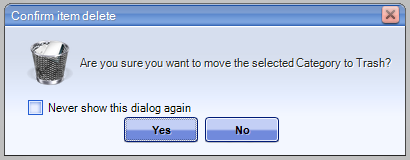
4. A confirmation box will then pop up asking you to confirm your action - click on Yes.
Related Article:
Comments